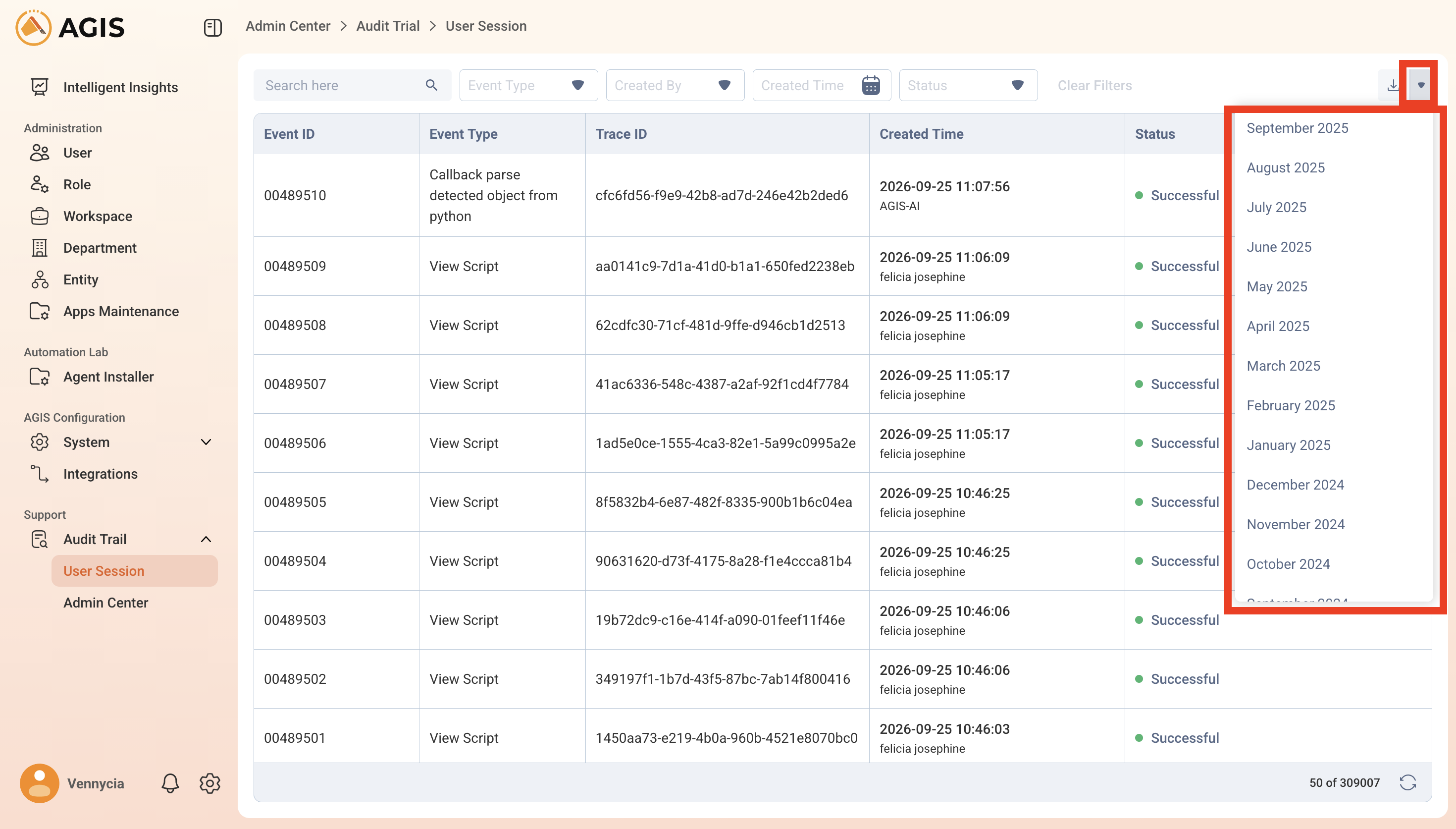
User Session
User Session can be found in the Admin Center, under Support > Audit Trail. AGIS records and logs every action a user performs within the system. User Session provides a complete audit trail of all user activity. Access requires an Admin role along with View Audit Trail permission.
Search and Filtering
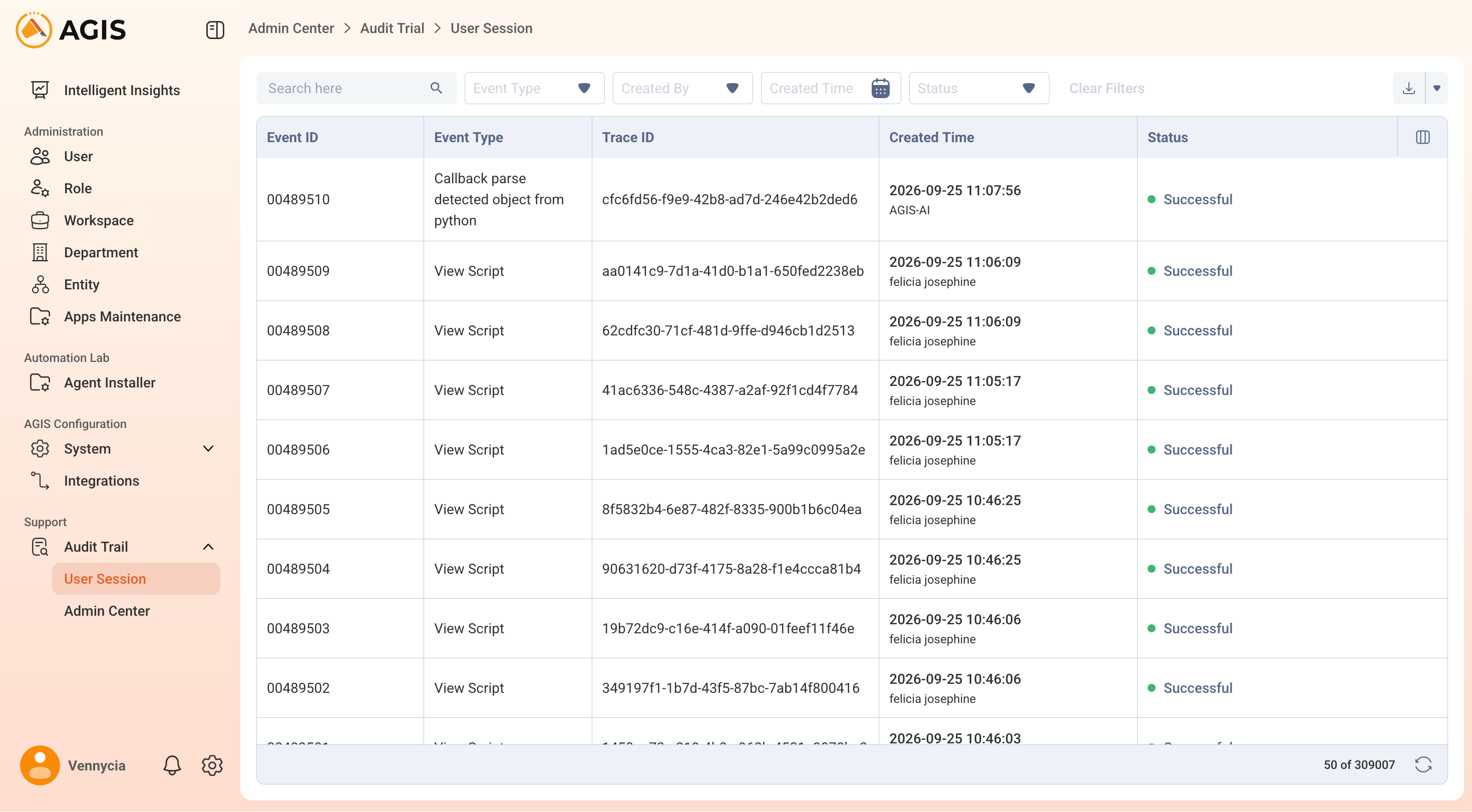
User Session features search and filtering controls. Users will be able to do keyword-based lookup and filtering based on event type, created by, created time and status.
- Event Type, the action that was performed (e.g.,
View Script,Cancelled Execution). - Created By, the user who performed the action.
- Created Time, when the action occurred.
- Status, whether the action succeeded or failed.
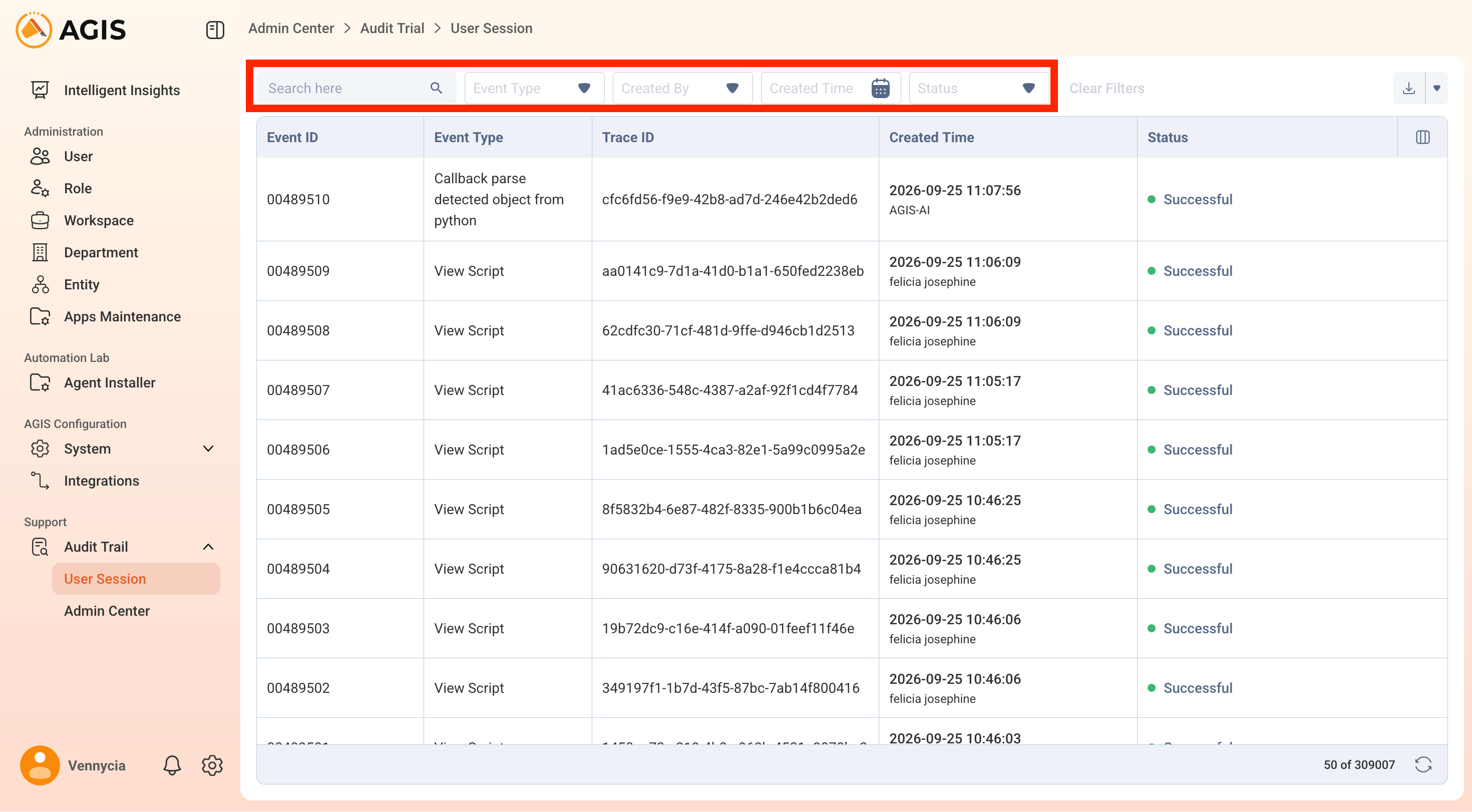
Clear Filters will clear any search done and filters applied.
Downloading Audit Trail
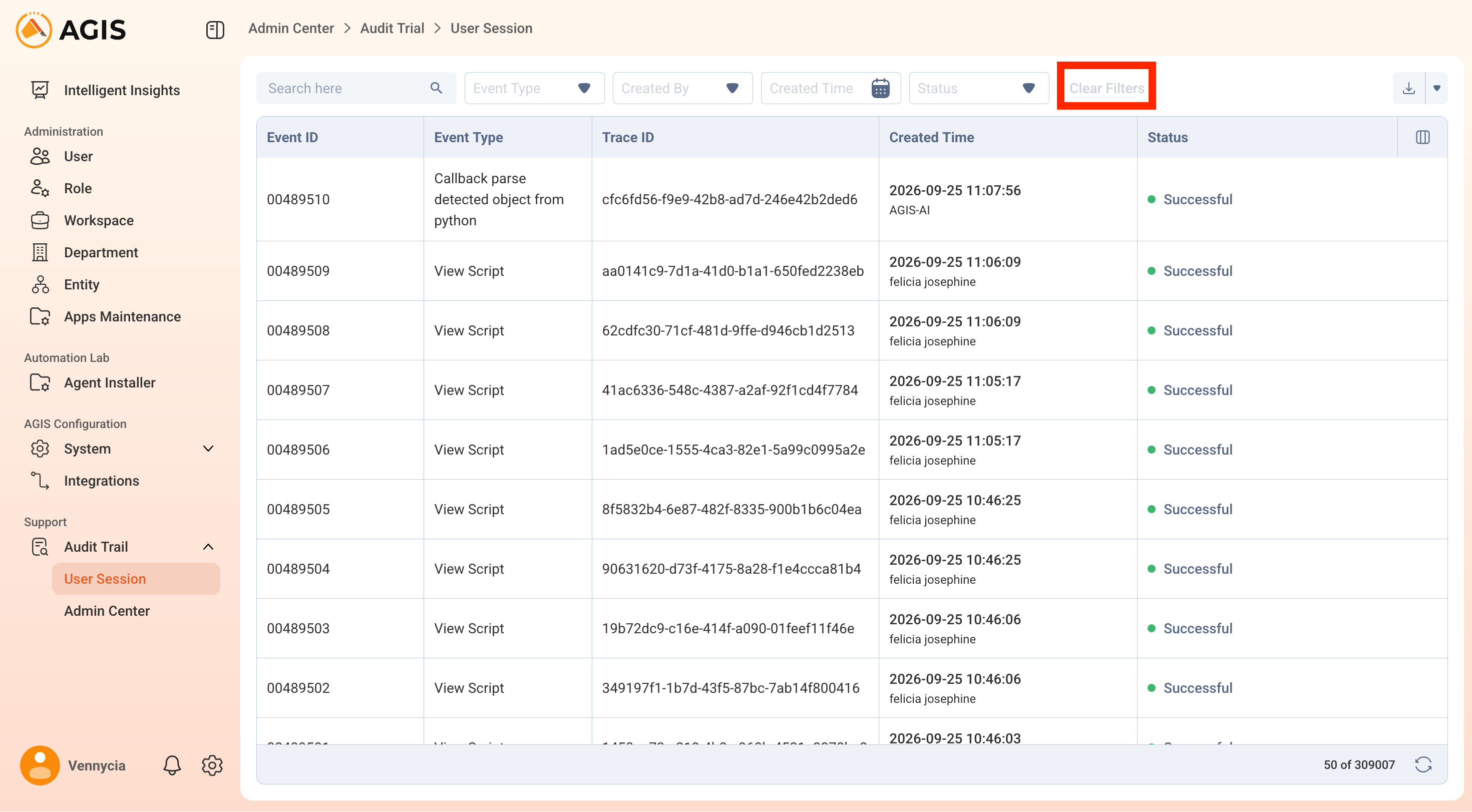
On the right-side of the screen, a download button can be found. Downloads the user audit trail in .csv format.
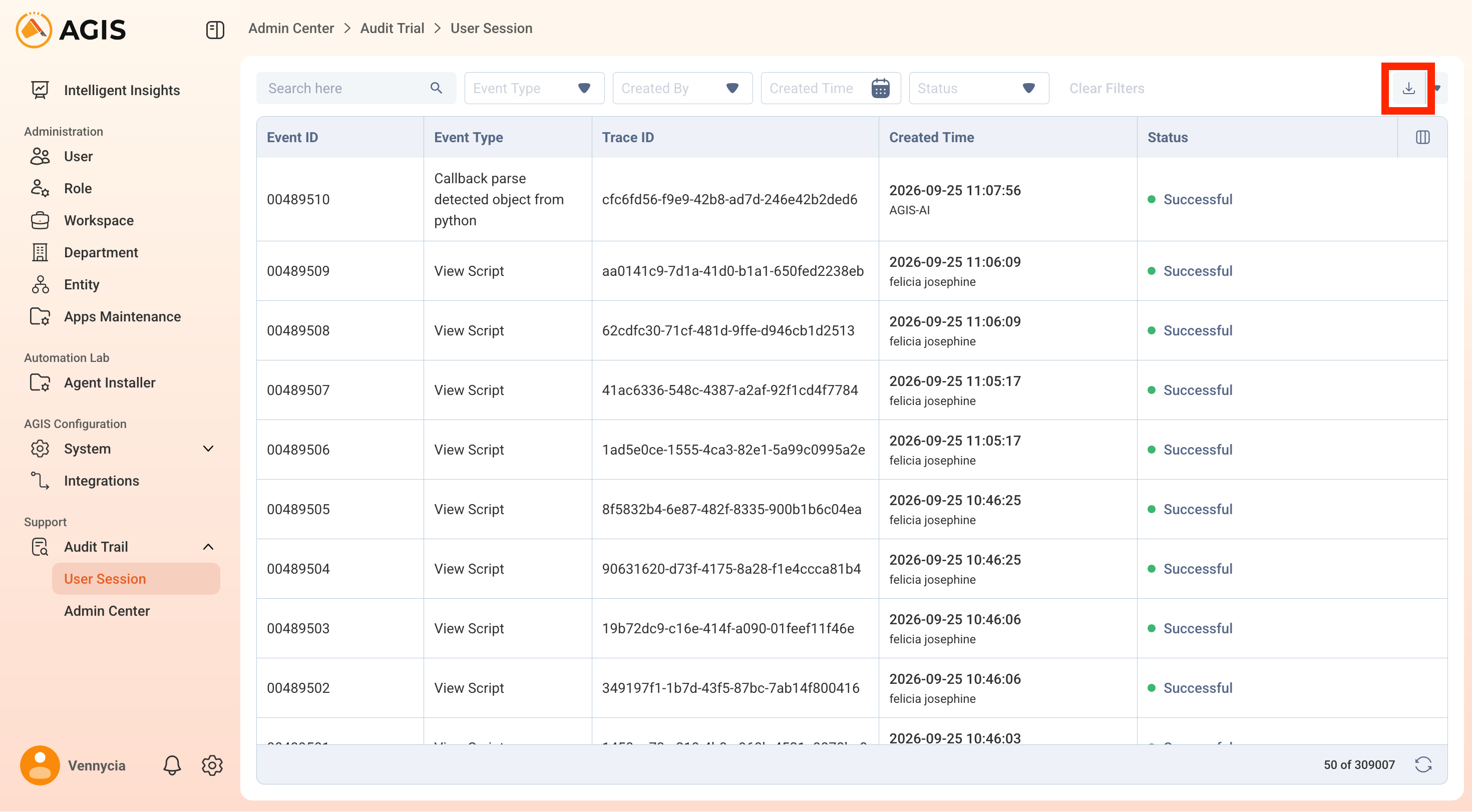
By clicking the chevron icon beside the download button, users can download the user audit trail from a specific month.